What's a Good Close Rate for Holiday Lighting Quotes (and How to Raise Yours)
How to measure your own holiday lighting quote close rate by lead source, salesperson and week, plus the practical levers that help more quotes get approved.
On this page
A good close rate for holiday lighting quotes is one you measure the same way every season and that beats your own last season, lead source by lead source. There's no universal number worth chasing: a referral and a cold ad click close very differently, and your price position changes everything. This guide shows how to define and track your close rate properly, then the levers that actually move it.
What close rate means for a lighting company
"Close rate" gets used for four different numbers. Pick your definitions once, write them down, and never mix them.
| Metric | Formula | What it tells you |
|---|---|---|
| Quote close rate | Approved quotes / quotes sent | How well your quotes sell |
| Lead-to-quote rate | Quotes sent / leads received | How many leads you actually price |
| Lead-to-close rate | Approved quotes / leads received | Your whole funnel, end to end |
| Dollar close rate | Approved quote value / quoted value | Whether you win the big jobs or only the small ones |
The quote close rate is the one most owners mean. But watch the dollar close rate next to it. If you close many small rooflines and lose every full-front package, your count looks fine while revenue leaks.
What counts as a sent quote
Most close-rate numbers are wrong because nobody decided what counts. Set these rules before the season:
- One quote per household per season. A revised price or a second design option is the same quote, not a new one. Counting revisions inflates the denominator and makes you look worse.
- It has a price and it reached the homeowner. A link they received, an email, a PDF, or a priced verbal estimate at the door. A draft sitting on your laptop doesn't count.
- Exclude tests and internal quotes. Sample projects, family and your own house stay out.
- Count closed-lost on purpose. A quote is lost when the homeowner says no, goes silent past your cut-off date, or the season ends. Mark it; don't leave it open forever.
- Pick a date rule. Count each quote in the week it was sent, not the week it was approved. That's what makes cohorts work (more below).
Track close rate per lead source and per salesperson
An overall close rate hides almost everything useful. Break it down.
By lead source
Tag every lead with where it came from: website form, referral, yard sign, past customer, door hanger, paid ads, Google Business Profile. Then compare.
This is an example of the table to keep, filled with made-up numbers to show the math. They are not benchmarks:
| Lead source (example) | Quotes sent | Approved | Close rate | Approved value |
|---|---|---|---|---|
| Source A | 20 | 10 | 10 ÷ 20 = 50% | $15,000 |
| Source B | 40 | 10 | 10 ÷ 40 = 25% | $12,000 |
| Source C | 10 | 1 | 1 ÷ 10 = 10% | $900 |
Put your own sources in the rows (past customers, referrals, website form, paid ads and so on) and the comparison starts asking real questions. Is the ad spend worth it once you divide it by approved jobs, not leads? Is your website form bringing in tire-kickers, or good leads that need a faster response?
By salesperson
If more than one person quotes, track each one separately with the same rules. Differences usually come from process, not talent: one rep sends quotes the same day, another sends them three days later; one shows a mockup, another sends a line-item list. Find what the best closer does and make it the standard.
Cohort your quotes by week sent
Holiday lighting has a hard deadline, and quotes sent in late November behave differently from quotes sent in September. Group quotes by the week they were sent and watch each group's close rate grow as approvals come in.
| Week sent (example) | Quotes sent | Approved after 7 days | Approved after 21 days | Final |
|---|---|---|---|---|
| Sep 15 | 12 | 3 | 6 | 7 |
| Oct 6 | 30 | 9 | 15 | 17 |
| Nov 3 | 45 | 18 | 24 | 25 |
Cohorts stop you from panicking over a "low" close rate on quotes that went out two days ago. They also show when early-season homeowners need more follow-up time, and when your install calendar is full enough that late quotes stop being worth chasing.
How to raise your close rate
Once you're measuring, these are the levers that matter in this trade.
Quote fast
Homeowners who ask for lighting usually ask several companies. The first clear, priced quote sets the bar. Aim to send the same day or the next morning, and track your time from lead to quote as its own number.
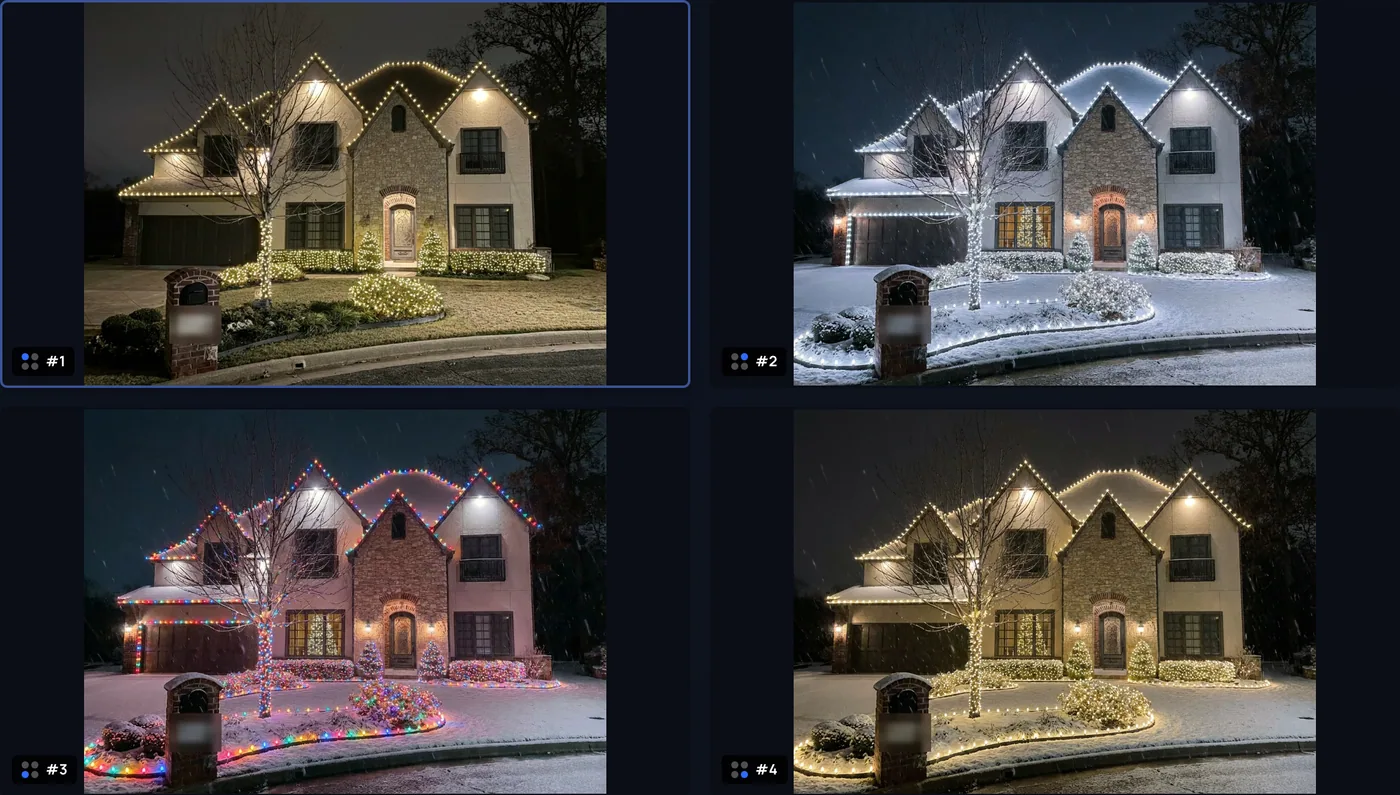
Show the house lit, not just a list of feet
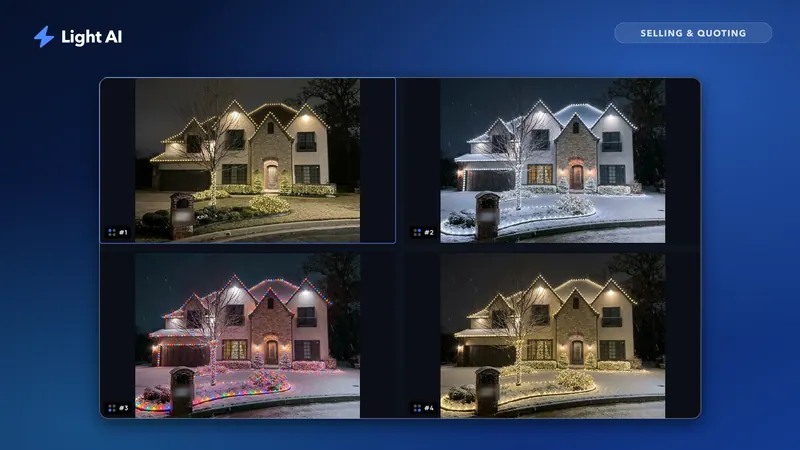
A homeowner can't picture "185 ft of warm white C9 on the roofline." A mockup of their own house makes the decision concrete. Treat it as a concept, not a promise of the exact result, and say so. More on this in why photo mockups win more jobs.
Make approval easy on a phone
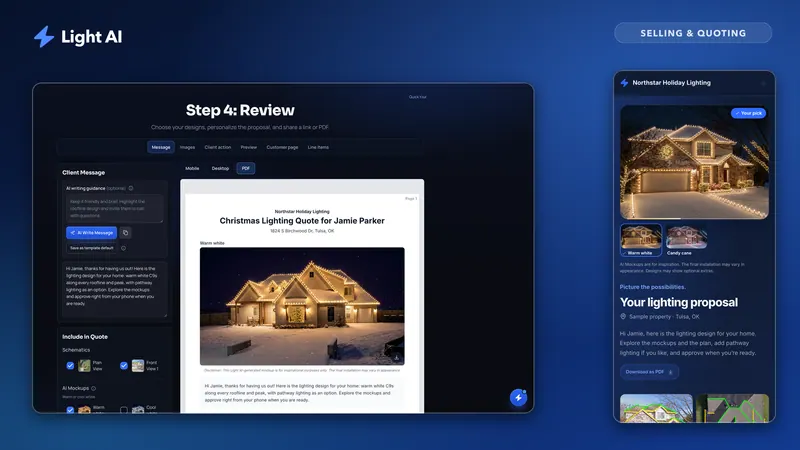
Every extra step between "I like it" and "yes" costs approvals: printing a PDF, signing, scanning, calling back. A quote link that opens on a phone with a clear approve button and an obvious next step (your deposit or booking link) removes most of that friction. Read quote links vs PDF quotes for the trade-offs.
Offer options without overwhelming
Two or three design choices and a couple of optional extras give homeowners a way to say yes at their budget instead of a flat no. Too many options slow the decision down.
Follow up on a schedule
Most lost quotes are never actually rejected; they go quiet. Set a follow-up rhythm and stick to it, ideally timed to when the homeowner is looking at the quote. Our follow-up guide has timing and message examples.
Use the install calendar honestly
Real scarcity works: "We have two install slots left the week of November 10." Invented deadlines don't, and homeowners can tell.
How to measure close rate in Light AI
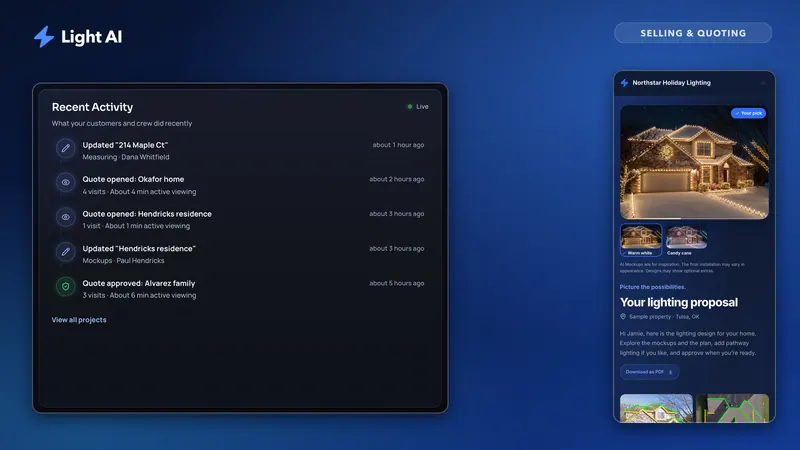
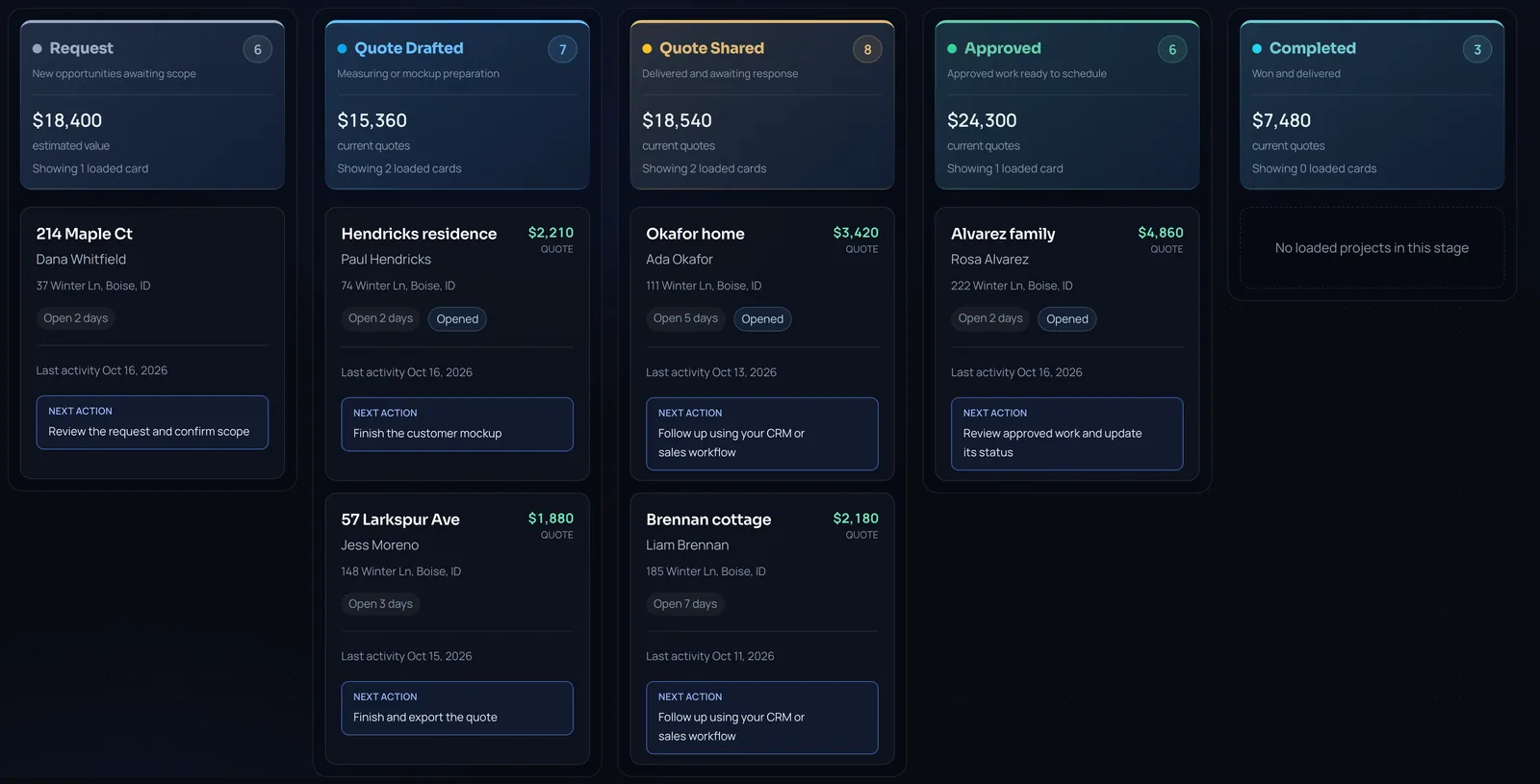
Light AI's Pipeline gives each project a stage: Request, Quote Drafted, Quote Sent, Approved, Completed and Closed Lost. Publishing a quote link moves a project to Quote Sent, and a homeowner approval through the link moves it to Approved automatically, so your two core counts stay current without manual entry. Move quiet or rejected quotes to Closed Lost yourself so they leave the open count.
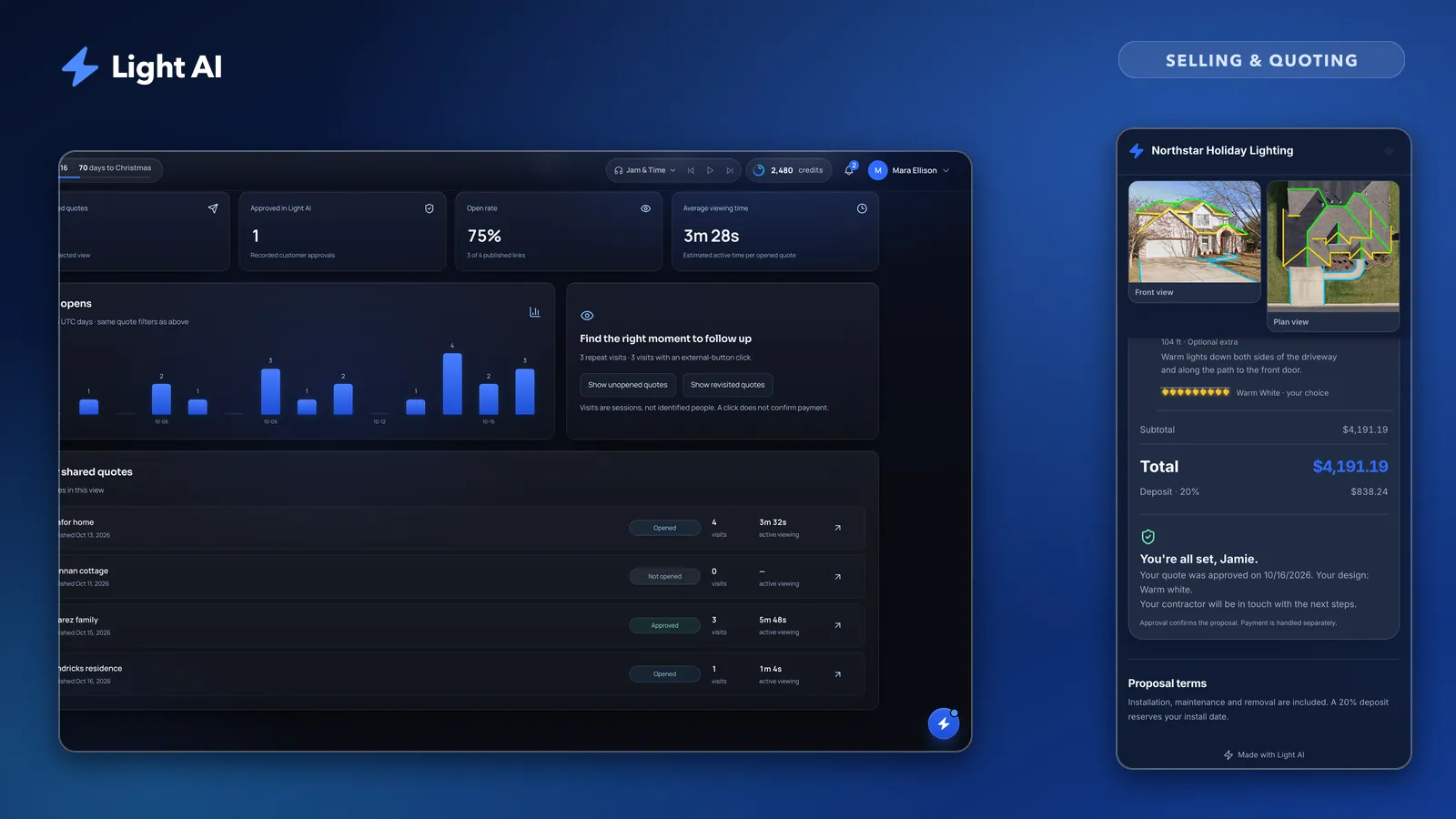
Quote Analytics shows published quotes and approvals on every plan. Plus and Pro also show opens, open rate, viewing time and each quote's visit timeline, with an optional email when a quote is opened, which helps you follow up when the homeowner is actually looking. See Quote opens, approvals and alerts.
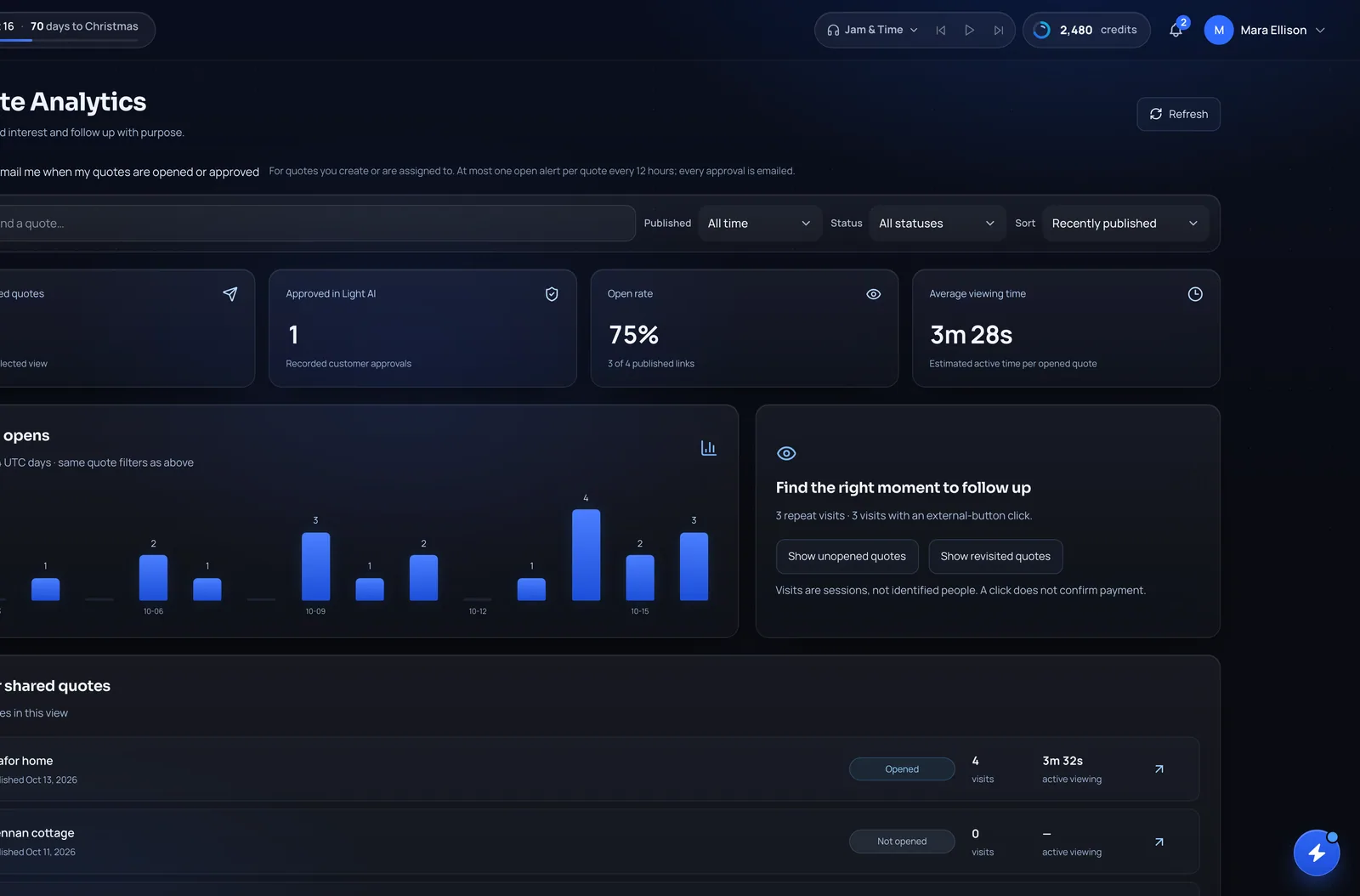
One caution: approvals are recorded in Light AI when the link uses Approve in Light AI. If you approve through Jobber or another service, or send view-only links, count approvals wherever they actually happen. Clients, projects and analytics can be exported as CSV from Settings if you keep your lead-source sheet elsewhere.
Close rate tracking checklist
- Write down your definition of a sent quote and a lost quote
- Tag every lead with its source when it arrives
- Record who quoted each job
- Log the date each quote was sent and the date it was approved
- Review close rate by source and by salesperson every week in season
- Track dollar close rate next to count close rate
- Group quotes by week sent and compare cohorts at 7 and 21 days
- Move silent quotes to closed lost after your cut-off
- Compare this season against last season, not against someone else's number
Frequently asked questions
What is a good close rate for Christmas lighting quotes?
The useful benchmark is your own last season, broken down by lead source. Warm leads such as past customers and referrals usually behave differently from cold ad clicks, so compare each source with itself. Industry-wide averages hide too many differences to set a target from.
Should revised quotes count as new quotes?
No. Count one quote per household per season. A revised price or a new design option is the same opportunity, and counting it twice makes your close rate look lower than it is.
When should I mark a lighting quote as lost?
When the homeowner says no, when they go silent past a cut-off you set (for example, after your last follow-up and a set number of days), or when your install calendar closes for the season. Marking lost quotes keeps your open pipeline honest.
How do I know if a homeowner opened my quote?
If you send a quote link, open tracking tells you. In Light AI, Plus and Pro plans see opens, viewing time and a visit timeline per quote, and can get an email when a quote is opened. Every plan sees approvals.
What raises close rate the fastest?
Usually speed and clarity: send a priced quote quickly, show the homeowner their own house lit, and make approval a single tap on their phone. Then follow up on a schedule instead of waiting.
Quote your next house with Light AI
Measure the roofline, show the homeowner a lighting mockup of their own home and send one quote link they can approve from their phone. Start on the Free plan with 100 credits each month and no card required.