Running a Christmas Lighting Business: The Season Calendar From August to January
A month-by-month calendar for running a Christmas lighting business, August to January, with checklists for pricing, sales, hiring, installs and takedown.
On this page
Running a Christmas lighting business comes down to a six-month calendar: plan and price in August, sell in September, quote and hire in October, install in November, service in December and take down in January. Every month has a job that can't slide into the next one, because the season ends on a fixed date. Below is the calendar with a checklist for each month.
The season at a glance
| Month | Main focus | What has to be done by month end |
|---|---|---|
| August | Plan and price | Rates set, inventory counted, past customers contacted |
| September | Sell early | Lead sources live, first quotes sent, early bookings in |
| October | Quote, order, hire | Lights ordered, crews hired and trained, installs starting |
| November | Install | Most installs done, lights-on dates kept |
| December | Service and rebook | Callbacks handled fast, next season's interest captured |
| January | Takedown and review | Lights down, tested and stored, numbers reviewed |
Your dates will shift with your climate and market. Contractors in cold regions often push installs earlier to beat frozen roofs; others start later. Keep the order, adjust the timing.
August: plan, price and prepare
August is the last calm month. Anything you don't decide now gets decided in a rush in October.
Start with pricing. Look at last season's actual costs per job, not your estimates, and reset your per-foot rate, minimums and per-piece prices. Our guide on how to price Christmas light installation walks through the math.
Then count everything. Inventory you own, bins in storage, ladders, harnesses, timers and cords. Test a sample of stored strands so you know your failure rate before you plan orders.
Finally, contact past customers first. They're the warmest leads you'll get all year, and a returning customer is far easier to schedule than a new one.
- Review last season's job costs and reset prices
- Update your quote template with new rates
- Count and test inventory; list what needs replacing
- Renew insurance and confirm coverage for storage and roof work
- Reach out to past customers with an early-booking offer
- Decide how many crews you can staff and how many installs that allows
September: sell early and fill the calendar
The homeowners who book in September are planners. They're also the easiest to schedule, because your install calendar is wide open.
Get your lead sources running: your website request form, Google Business Profile, yard signs from last year, door hangers and referrals. For ideas on each, see how to get more Christmas lighting leads.
Early-bird pricing or first pick of install dates gives people a reason to decide now instead of in late November.
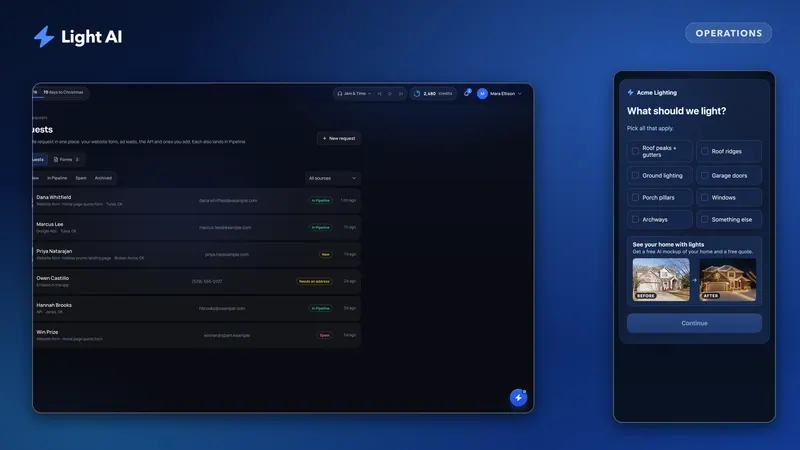
If you use Light AI's website request forms (Pro and Enterprise), the form editor includes ready-made templates such as Early Bird, Black Friday and Last Chance, so you can switch the offer as the season moves. Each request lands in the Requests inbox and the Pipeline. If you were on Off-Season over the summer, your plan returns automatically on your first billing date in September by default, or sooner whenever you choose.
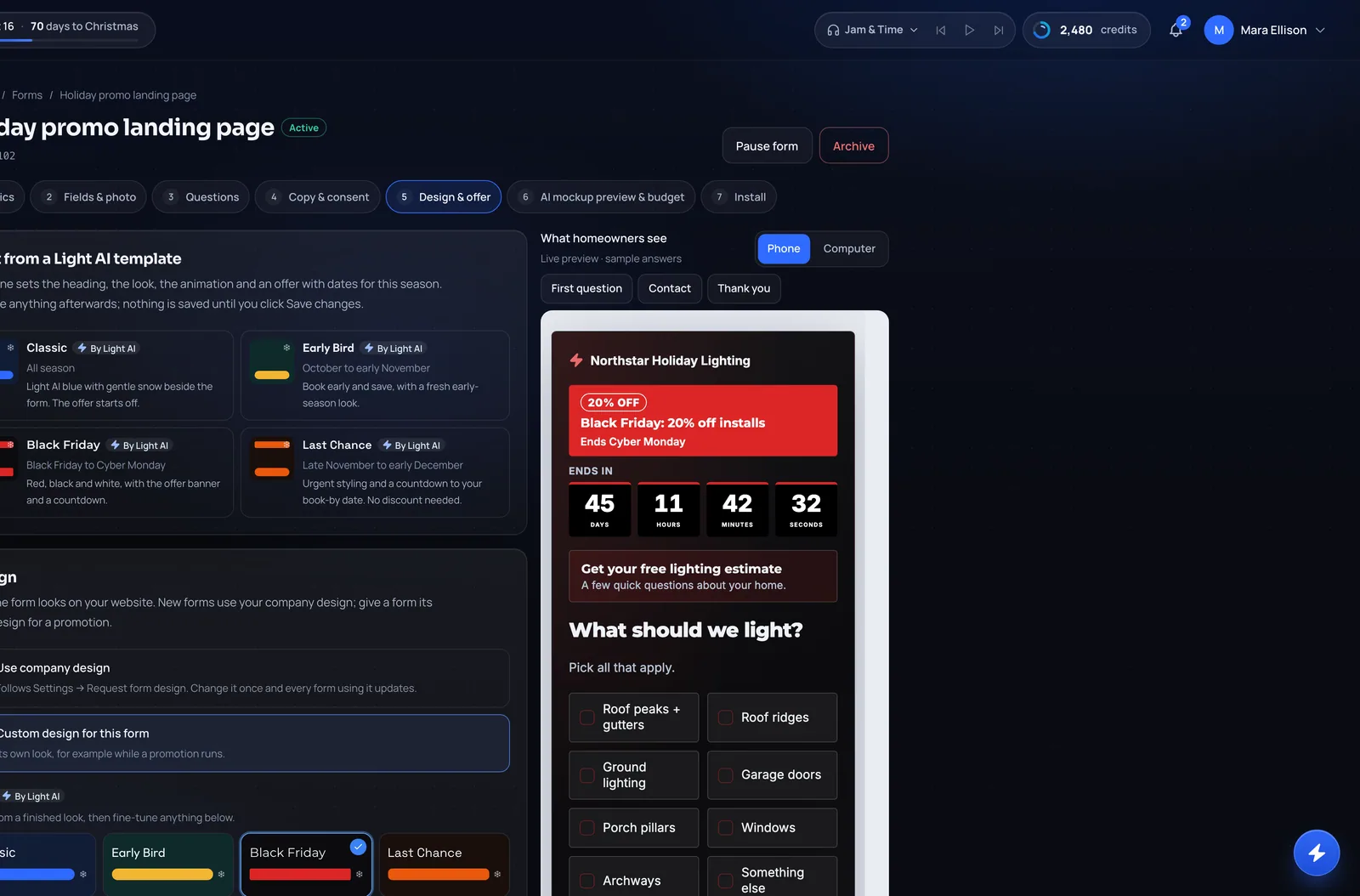
- Turn on your website request form and share link or QR code
- Launch an early-booking offer with a clear deadline
- Send every returning customer their quote
- Set a same-day or next-morning quoting standard
- Start a simple tracker for lead source and quote status
October: quote fast, order, hire
October is the busiest month for most offices. Leads arrive daily, and every slow quote is a lost job.
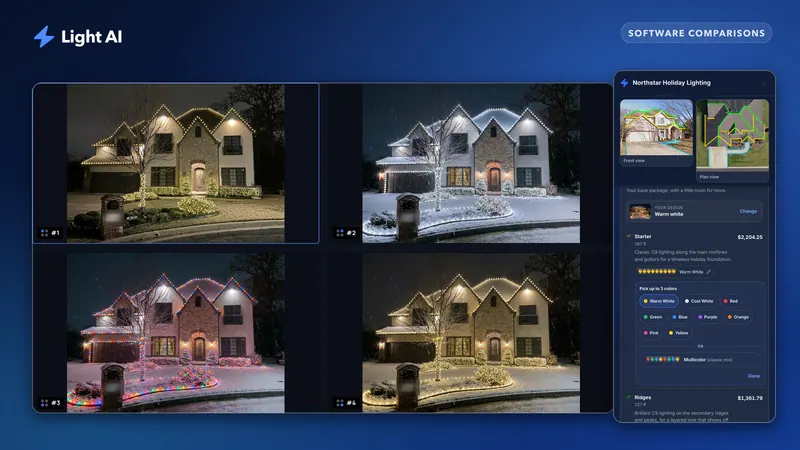
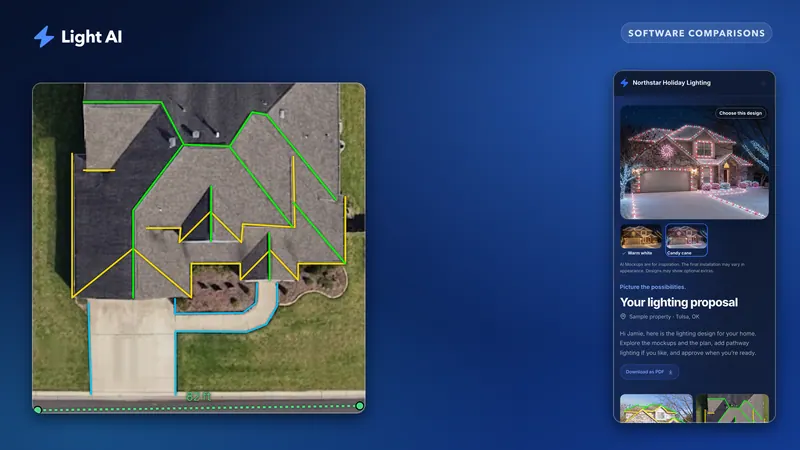
Quote speed is your biggest lever this month. Measure each roof from your desk with a calibrated overhead plan view, build the quote from your saved rates, and send a quote link the homeowner can approve from their phone. Verify measurements on site before installing. Track how many quotes you send and how many get approved; our guide to measuring your close rate explains how.
Order lights and clips as soon as approved footage gives you a reliable number, and add a buffer for late jobs. Supply tightens as the season approaches.
Hire and train crews now, not the week before installs. Run every new hire through ladder safety, fall protection, clip types for different rooflines and your quality standard.
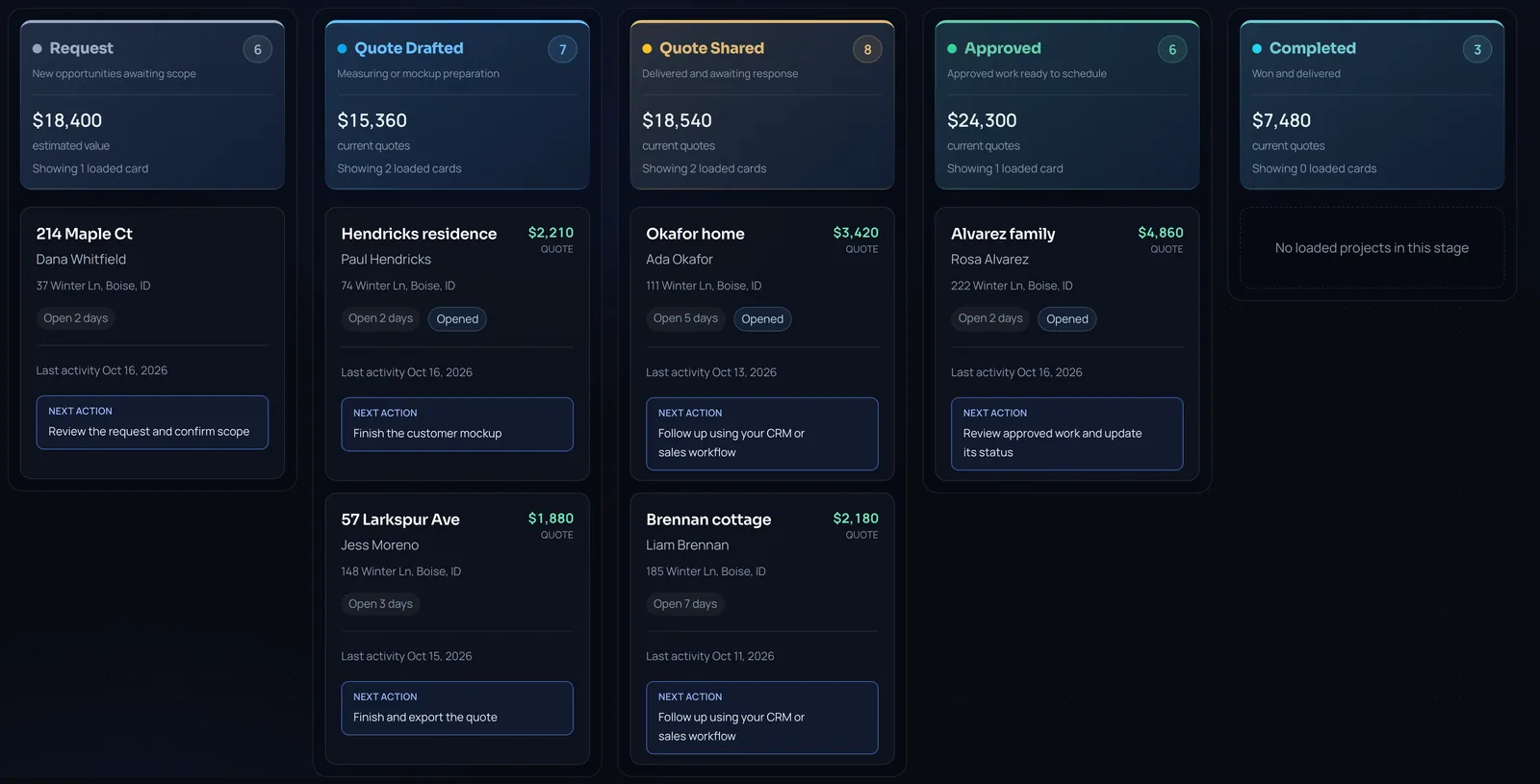
- Quote every new lead within a day
- Follow up on every quote that hasn't been approved
- Place your main light and clip order with a buffer
- Hire and train crews; check certifications and safety gear
- Build an install schedule by area to cut drive time
- Start installs as soon as approved jobs and weather allow
November: install season
Installs run every day the weather allows. Your job as the owner shifts from selling to scheduling, quality and keeping promises.
Route jobs by neighbourhood. Confirm each install with the homeowner a day ahead, including the power source and gate access. Photograph each finished job in daylight and at night: you'll want the photos for marketing and for next year's crew.
Set a "lights on" target date that you can actually hit, and tell late leads honestly when your calendar is full. Late November leads still convert, but only if you have slots left. A last-chance offer works best when it's true.
- Confirm every install a day ahead
- Route crews by area each morning
- Photograph finished jobs, day and night
- Mark installs complete as they finish
- Keep a short list of open install slots for late leads
- Watch the weather and reschedule early, not on the day
December: service, callbacks and rebooking
Once lights are on, the job is keeping them on. Outages, tripped GFCIs, wind damage and timers set wrong all generate calls. A fast callback is the best advertising you have.
Keep a callback crew or a set of daily service windows. Log every callback against the job so you can see which installs or products cause repeat trips.
December is also when homeowners love their lights most. Ask happy customers for a review and a referral now, and ask whether they want the same design next year.
- Assign a service crew or daily callback window
- Log every callback by job and cause
- Ask satisfied customers for reviews and referrals
- Capture next-season interest and design changes
- Schedule takedown dates with each customer
January: takedown, storage and the season review
Takedown is where next season starts. Label every strand by run and length, test it before storing, photograph the layout, and put each customer's lights in their own labelled bins. If you offer storage, our guide on removal and storage pricing covers bins, labels and insurance.
Then sit down with the numbers while they're fresh: revenue, cost per job, close rate by lead source, callbacks per job, and which months were tight on crew.
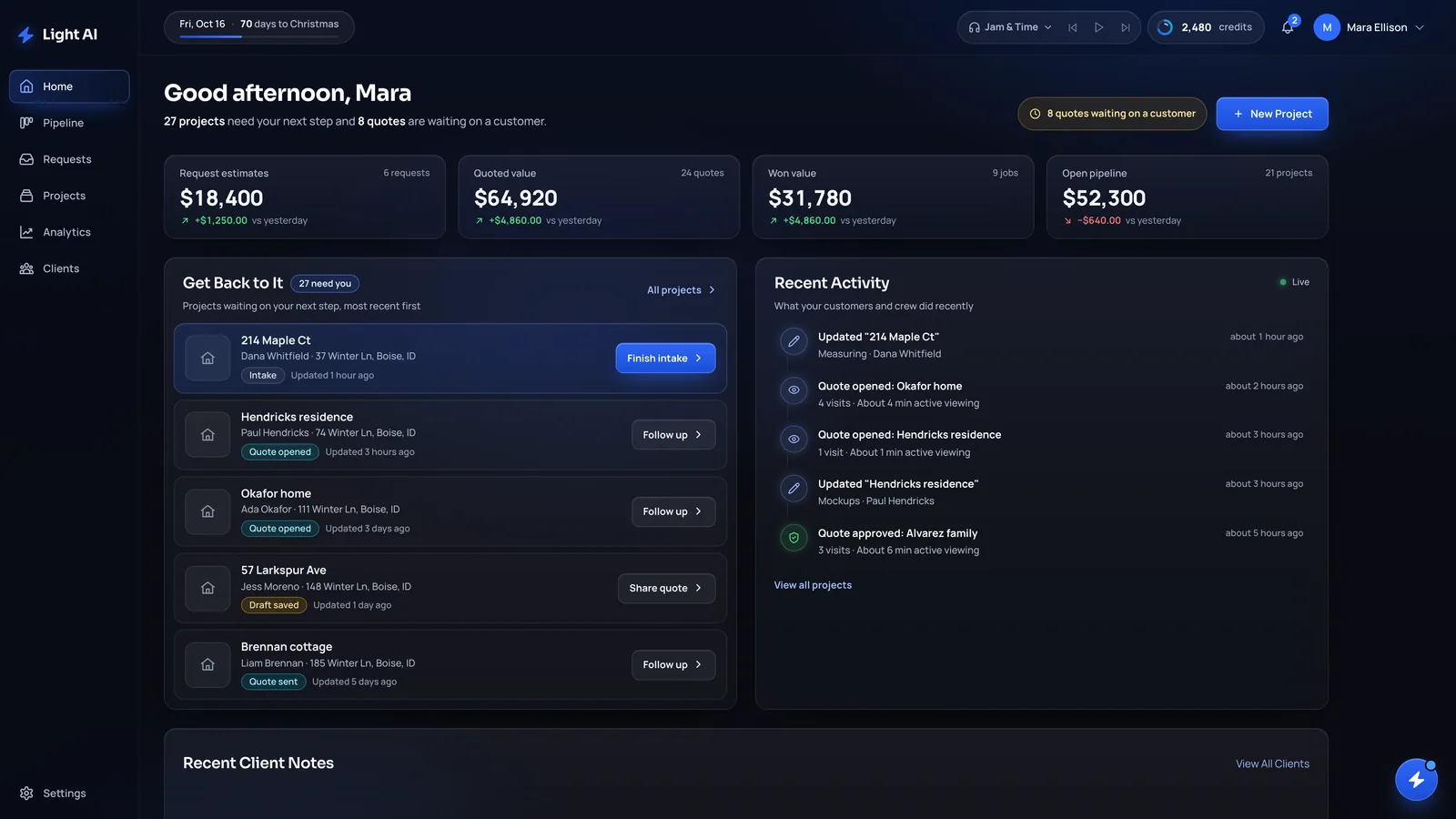
Between seasons, Plus and Pro accounts in Light AI can switch to Off-Season to keep the storefront open: request forms keep taking leads, quote links you already sent stay live, and approvals still come in. See Off-Season plan for what stays on.
- Finish takedowns; label, test and store everything
- Record damaged inventory to replace before August
- Review revenue, cost per job and close rate by source
- Note what to change in pricing, hiring and scheduling
- Thank customers and confirm storage and rebooking terms
- Decide your between-season plan for software and staff
Frequently asked questions
When should a Christmas lighting company start selling?
Start with past customers in August and open new lead sources in September. Early bookings are easier to schedule and give you a clearer picture of how much to order and how many crews to hire.
When do Christmas light installations usually start?
Many contractors start installing in October or early November, depending on climate and demand. Start once you have enough approved jobs to route efficiently and the weather is safe for roof work.
When should I order Christmas lights for the season?
Place your main order once approved footage gives you a reliable estimate, usually in October, and keep a buffer for late jobs. Test stored inventory in August so you know what needs replacing.
What should I do in January after takedown?
Label, test and store every strand, record damaged inventory, then review the season's numbers: cost per job, close rate by lead source and callbacks. Those numbers set next August's prices.
What happens to my Light AI account between seasons?
Owners on an active monthly Plus or Pro plan can switch to Off-Season. Request forms keep taking leads and sent quote links stay live, while creating new quotes and AI mockups is locked until you resume your plan.
Quote your next house with Light AI
Measure the roofline, show the homeowner a lighting mockup of their own home and send one quote link they can approve from their phone. Start on the Free plan with 100 credits each month and no card required.